Refreshingly simple
A clean, cinematic interface that gets out of the way. Live TV, Movies and Series, one tap apart — on the couch or on the go.
 NyxoPlay
A beautifully simple experience for your own IPTV provider. Your favorites and progress follow you across every device — private by design.
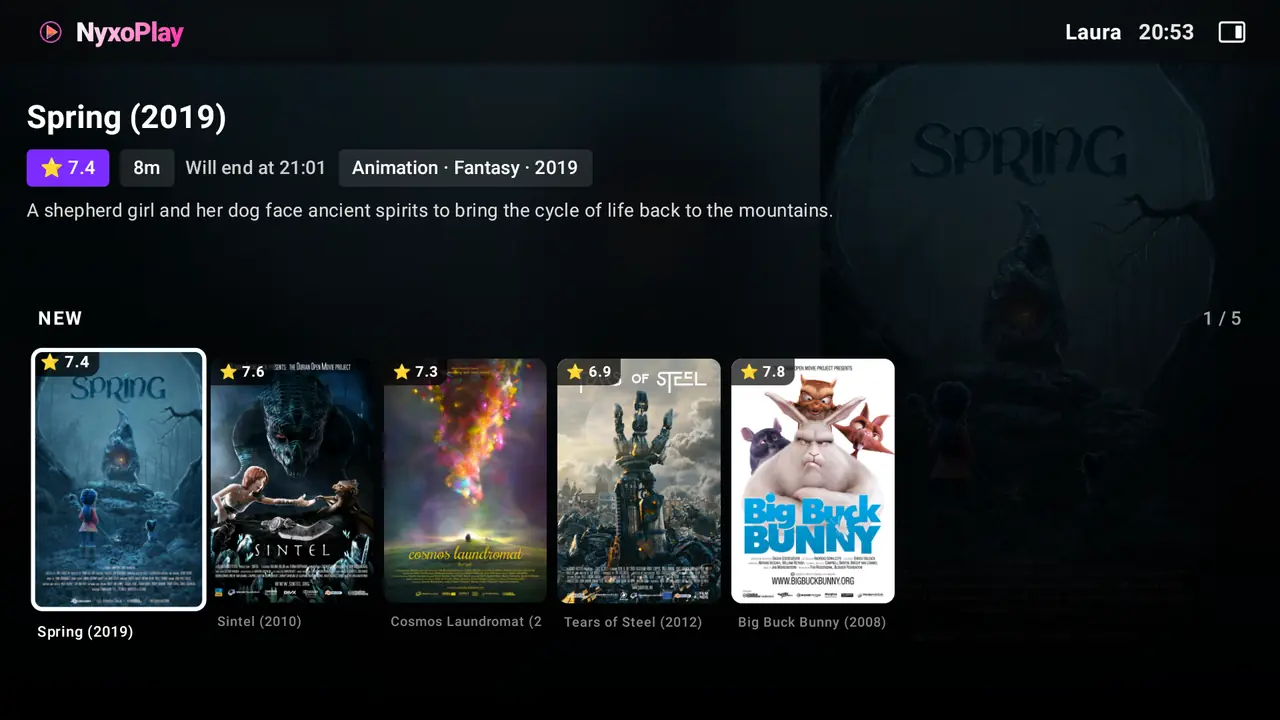
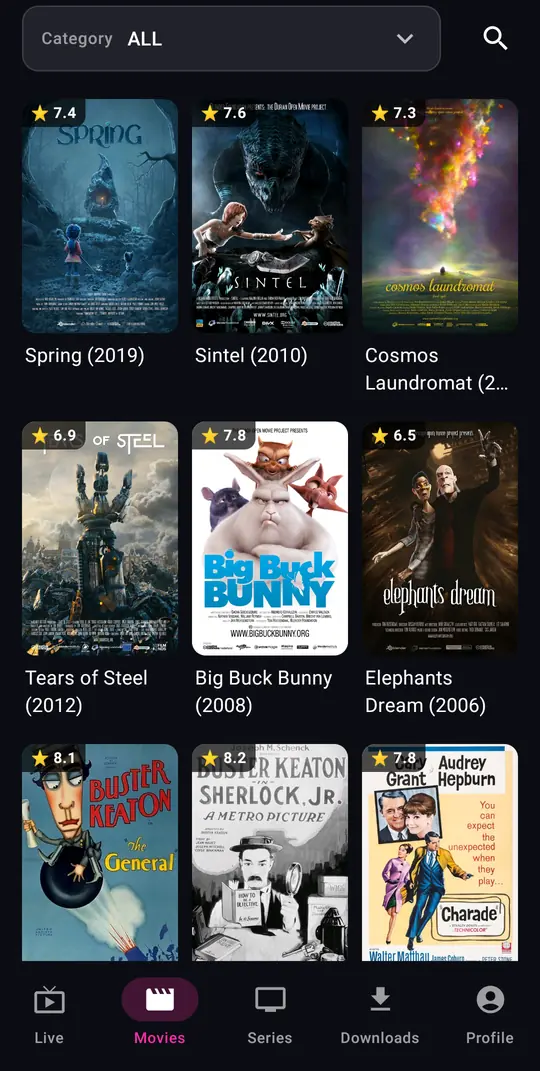
Built around the things that actually matter when you watch every day.
A clean, cinematic interface that gets out of the way. Live TV, Movies and Series, one tap apart — on the couch or on the go.
Mark a favorite on your phone and it's already there on the TV. Your favorites and watch progress stay in sync, everywhere you sign in.
Use the same provider login on Android TV, your tablet and your phone. No per-device limits, no extra cost.
NyxoPlay talks straight to your provider. We don't run servers that store your credentials or viewing habits. Sync uses your own cloud — your data stays yours.
Switch to your preferred language. More languages are on the way.
Give each person their own space, favorites and progress — so the whole household feels at home.
From the programme guide to the last subtitle, every detail is designed for watching every day.
A full programme grid with catch-up to watch what already aired, “start from the beginning”, and a bell that reminds you 5 minutes before a show starts.
How it works →Up to four channels at once on TV, two on phone and tablet. The sound follows the screen you're on — perfect for match days.
How it works →Rows that explain themselves — “Because you watched…”, “New for you” — built from your own history. Nothing ever leaves the device.
How it works →Accents, word order and Roman numerals don't matter. Find actors and directors, or describe what you feel like watching with AI search.
How it works →Waiting for a film your provider doesn't have yet? Add it, and NyxoPlay moves it to your favorites and tells you the day it arrives.
How it works →Save movies, episodes or whole seasons on your phone or tablet and watch them on a plane, with no connection at all.
How it works →Scan a QR code on the TV and fill in your provider or your search from your phone's keyboard. No app needed, nothing leaves your home network.
How it works →Forced-only mode, your own size and style, and subtitles translated on the device when your provider doesn't have your language.
How it works →Recovers from connection drops on its own, remembers your audio and subtitle choices, and can match your TV's refresh rate for smooth motion.
How it works →Half-watched films and series appear in Android TV's own “Continue watching” row, so you can resume without even opening the app.
How it works →Lock profiles, set daily or weekly viewing limits across every device, and get a monthly recap of what you watched.
How it works →Diagnostics show guide coverage, catch-up, connection limits and expiry — and a speed test measures the line to your provider, not to a random server.
How it works →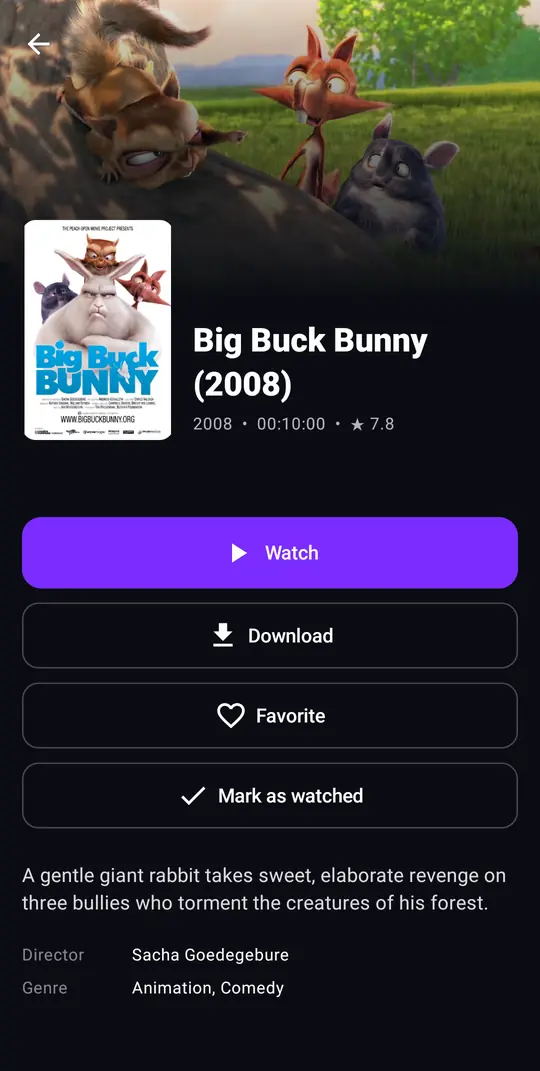
Android phones, with a layout made for one hand.
Available nowMore room to browse, the same cinematic feel.
Available nowA full 10-foot experience, built for the remote.
Available now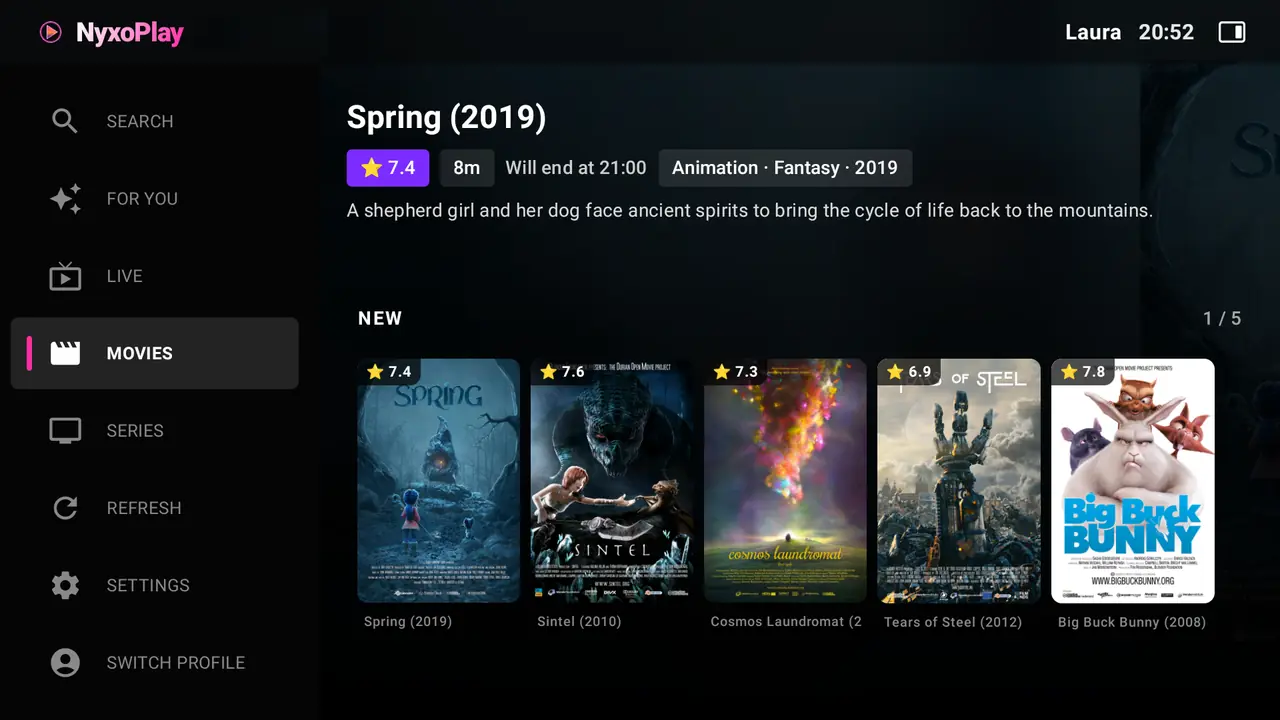
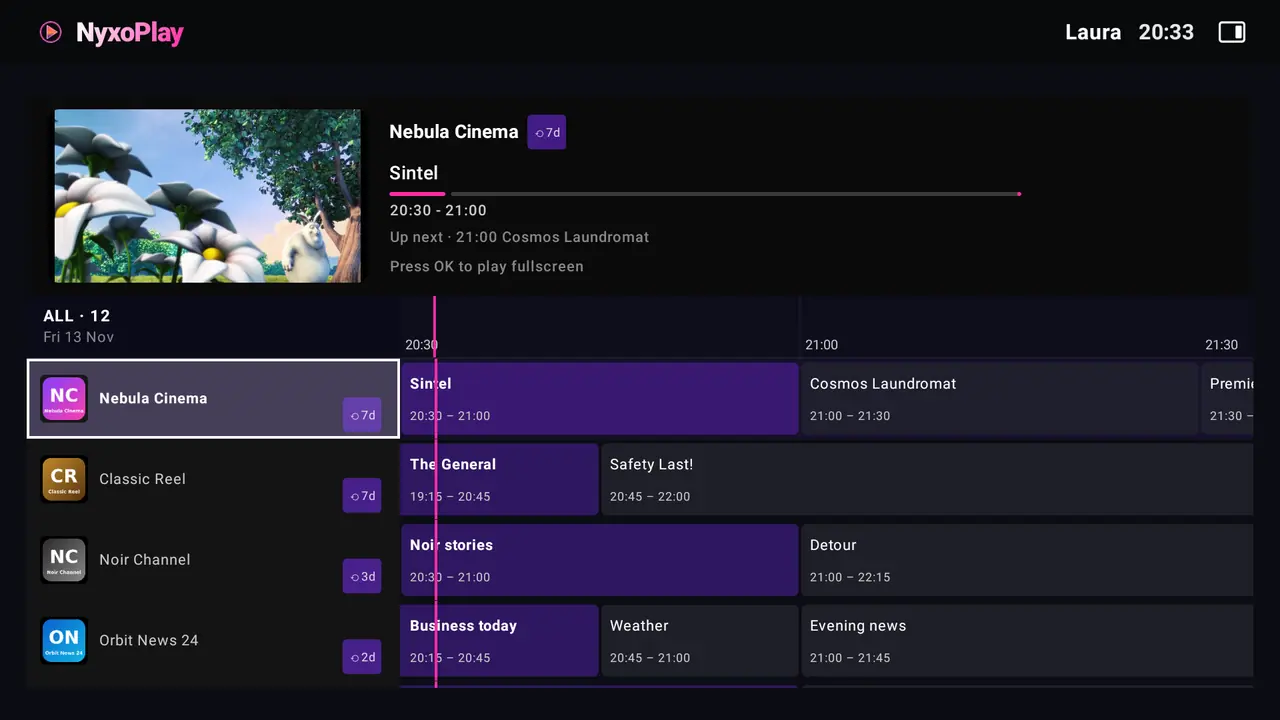
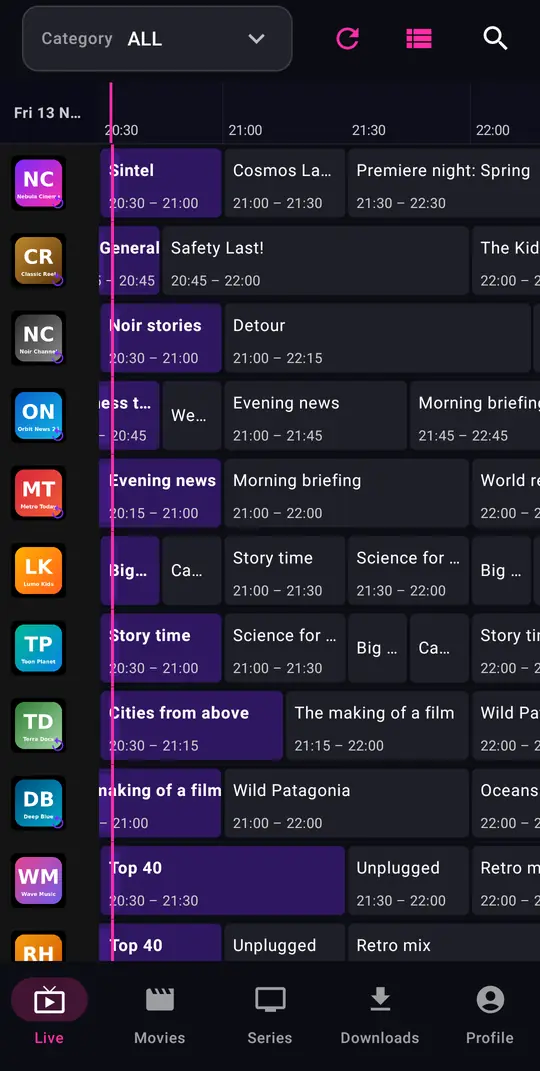
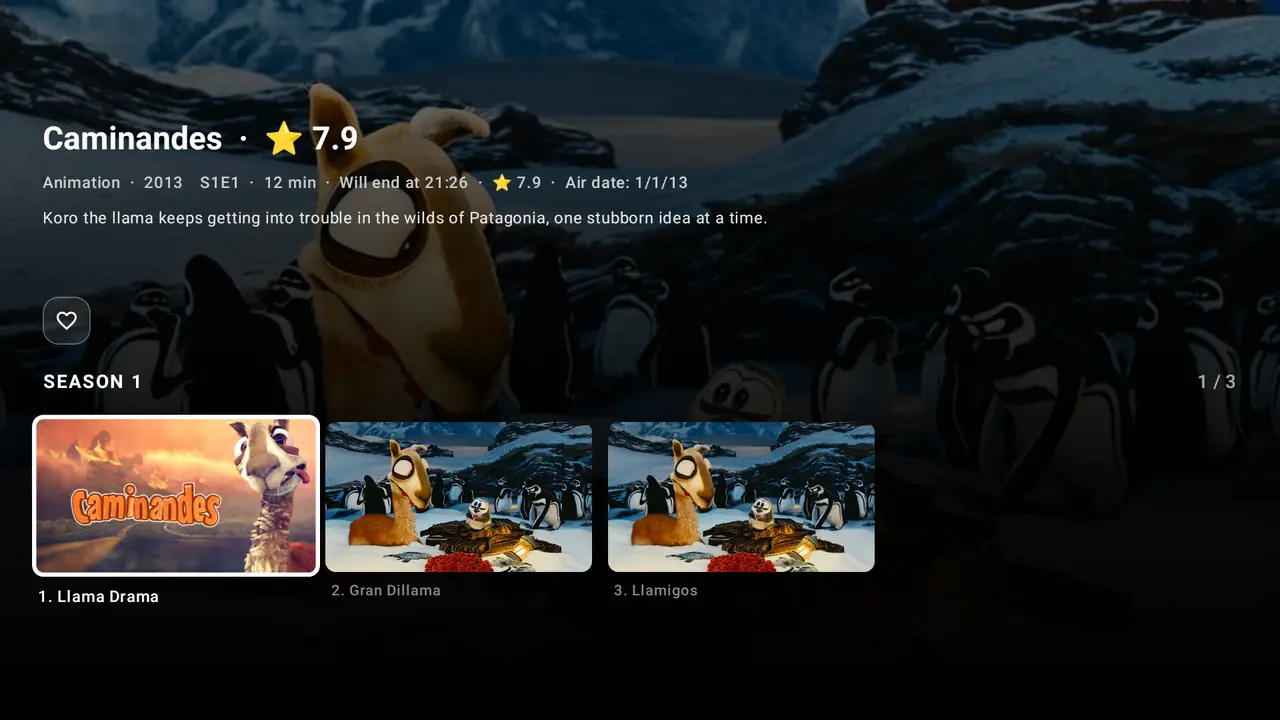
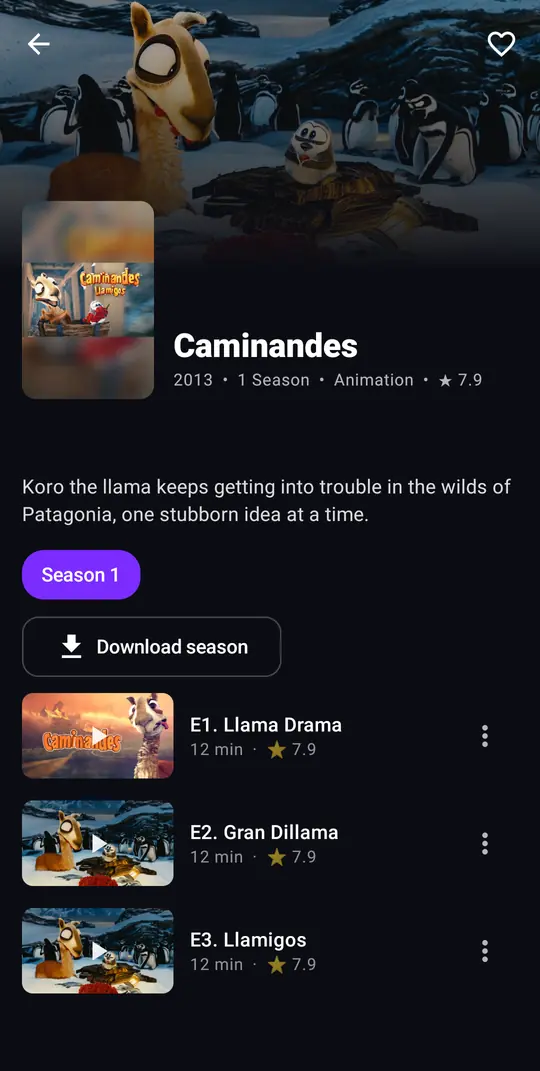
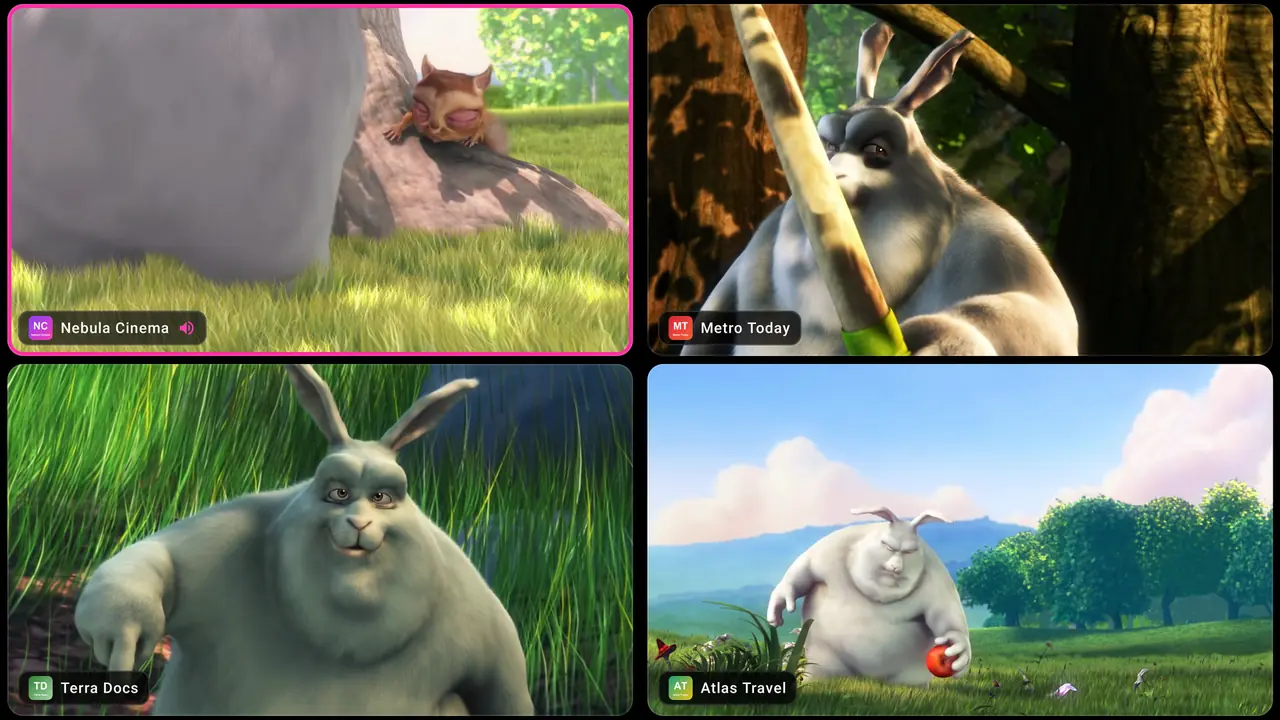
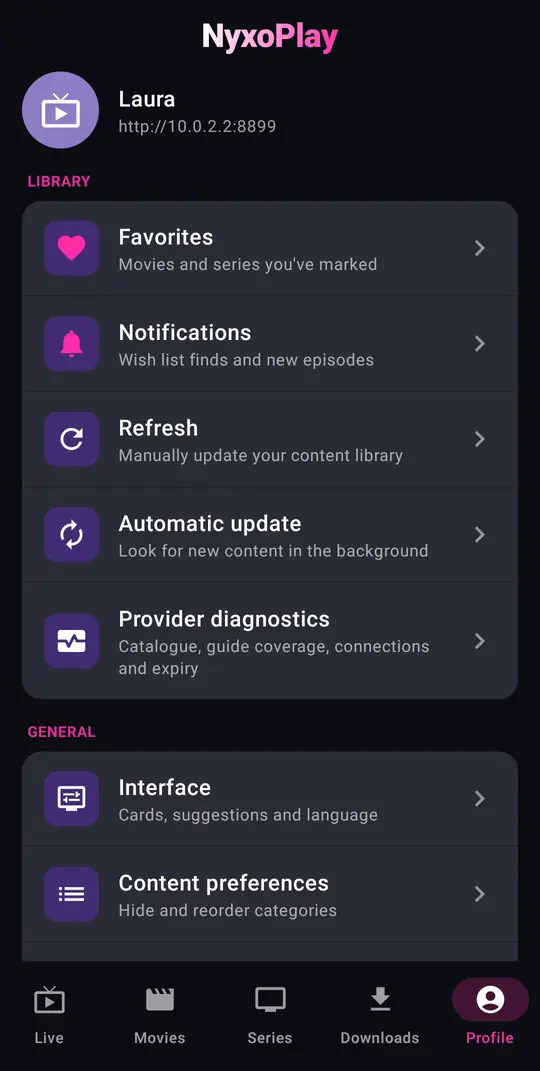
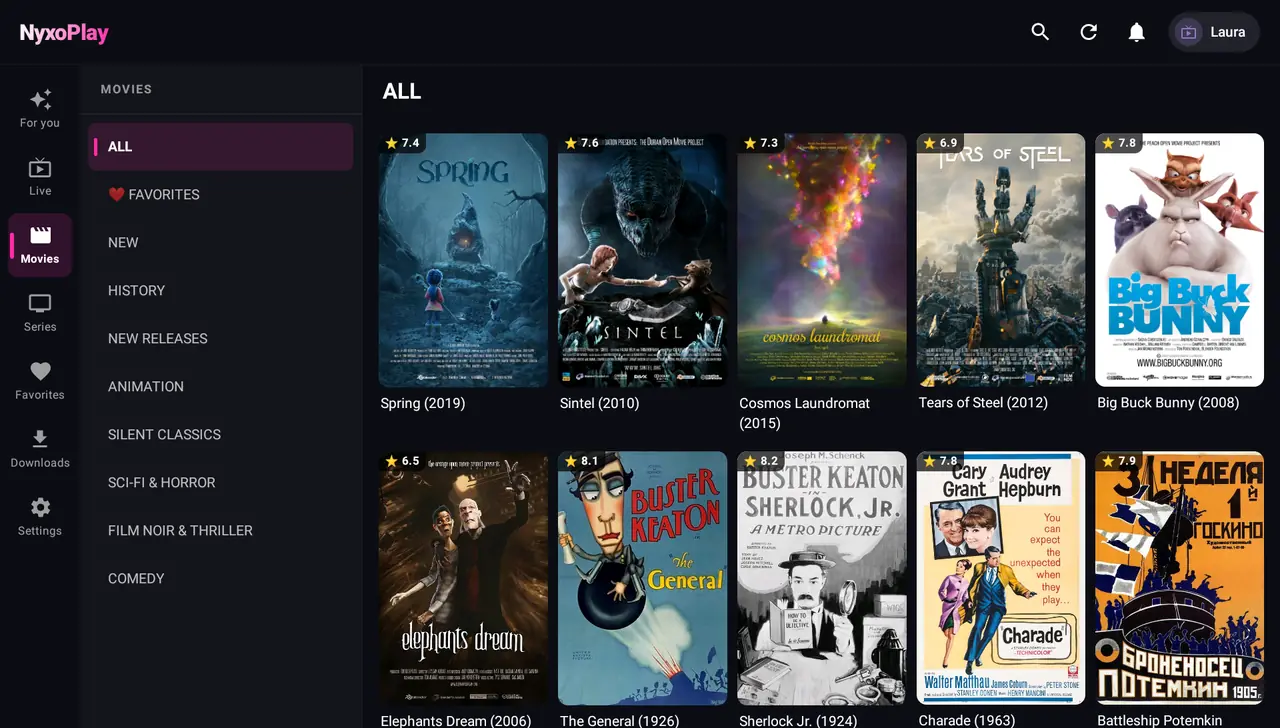
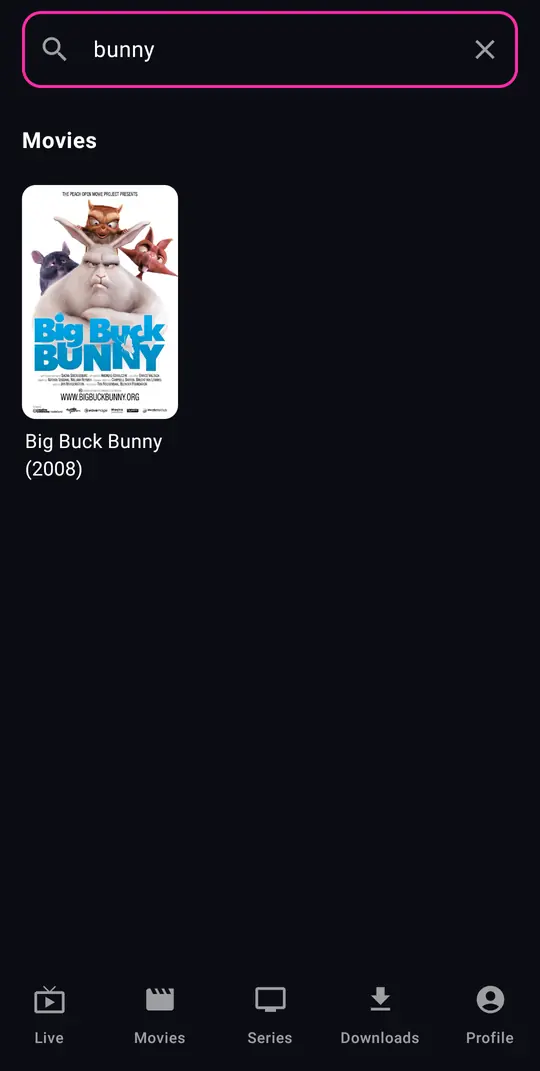
Screenshots show demo content: Big Buck Bunny, Sintel, Tears of Steel, Elephants Dream, Cosmos Laundromat, Spring and Caminandes © Blender Foundation | blender.org (CC BY), and public-domain classics. Channel names and logos are invented.
Privacy isn't a feature we bolted on — it's how NyxoPlay is built. Here's exactly what that means.
NyxoPlay doesn't require you to create an account, and we run no servers that collect or store your personal information. Your IPTV provider credentials are saved only on your own device.
The app talks straight to the IPTV provider you configure. Your viewing traffic never passes through us — we don't see, log or intercept what you watch.
If you turn on cross-device sync, your favorites and watch progress are stored in your own Google Drive, using a permission limited to the files the app itself creates. The data stays in your account, and you can disconnect at any time.
NyxoPlay includes no third-party advertising and no analytics SDKs that build a profile of you. We're not in the business of selling attention or data.
Uninstalling the app removes the data stored on your device. Anything kept in sync can be deleted from your Google Drive whenever you like.
Reach out at support@nyxoplay.com and we'll be happy to help.
Last updated: June 2026
Download NyxoPlay and watch Live TV, Movies and Series the way they were meant to look — on every device you own.